
Download Samsung Android USB Driver – USB driver for Samsung, Android USB driver, driver for Samsung devices, USB connection for Android
Overview
The Samsung Android USB Driver is a targeted utility designed to facilitate seamless communication between Samsung Android devices and Windows-based development environments. This driver package serves as a critical bridge for developers who rely on direct device connections for debugging, testing, and deploying Android applications. By enabling reliable USB recognition, it eliminates common connectivity hurdles that can disrupt the development workflow. The tool is particularly valuable for software engineers, mobile app developers, and technical testers working with Samsung hardware, though its compatibility extends to a broader range of Android devices.
Developed by Samsung Electronics Co., Ltd., the driver reflects the company’s ongoing commitment to supporting developer ecosystems. It is intended for use in professional development settings where consistent device detection and stable USB communication are essential. Real-world use cases include installing custom ROMs, running Android Studio with real devices, and troubleshooting application behavior under actual hardware conditions. In the broader app ecosystem, such drivers play a foundational role in ensuring that development tools function reliably across diverse hardware configurations.
The developer did not provide additional technical details about the driver’s internal architecture or update frequency. Specific requirements were not listed, and compatibility information was not fully disclosed beyond the platform. Nonetheless, its presence on Windows systems is crucial for developers who require immediate device detection upon connection.
Key Features & Functionality
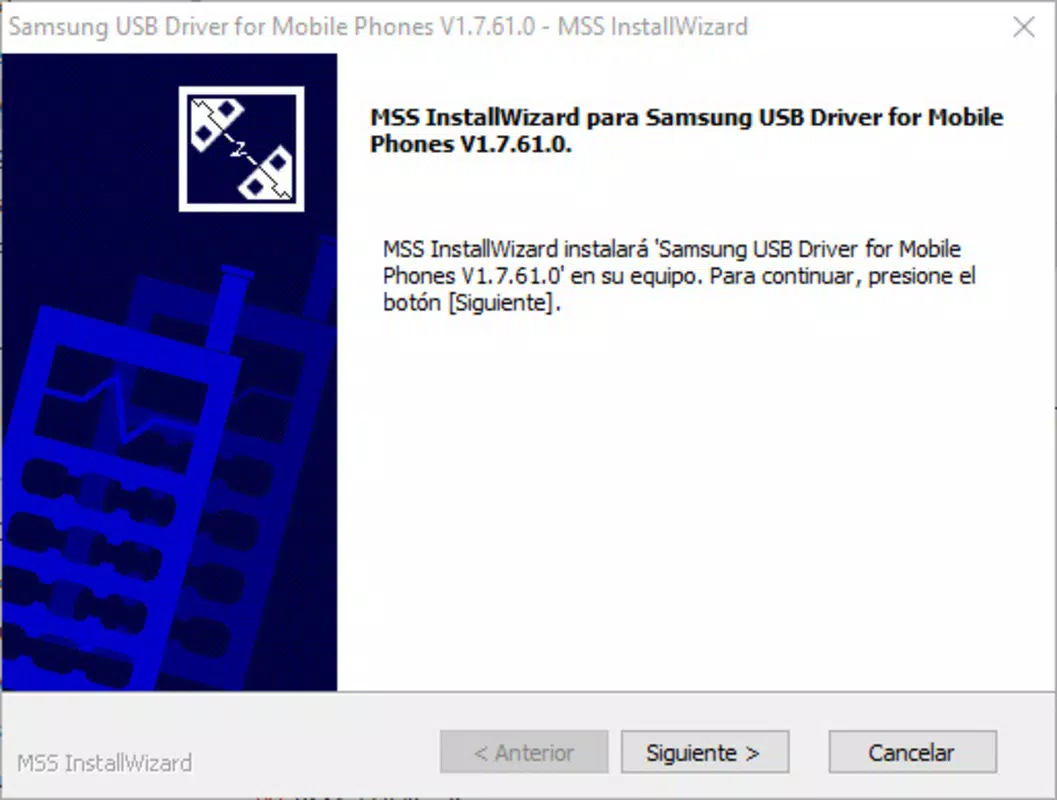
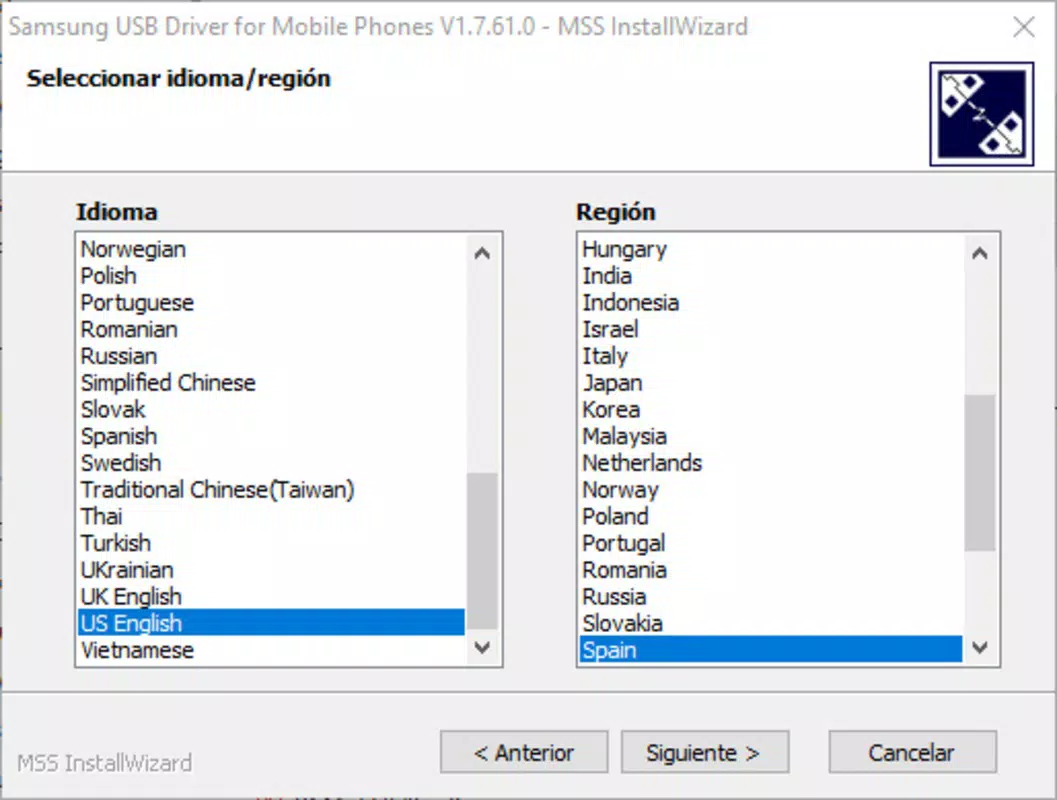
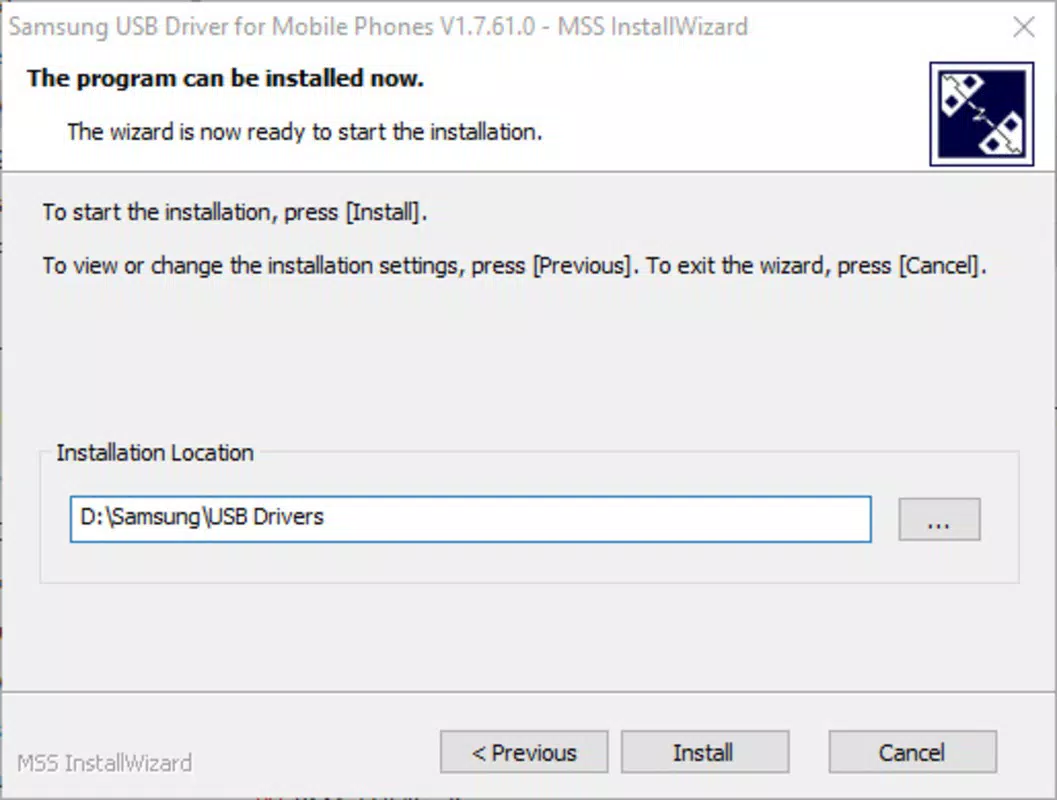
- Easy Installation Process: The driver is designed for minimal setup. Users simply run the executable file, select their preferred language, and choose an installation directory. No advanced configuration is required, making it accessible even to novice developers.
- Wide Device Compatibility: While optimized for Samsung devices, the driver can recognize Android devices from multiple manufacturers. This broadens its utility in multi-device testing environments.
- Lightweight Design: At just 192MB, the driver occupies minimal system resources. It does not significantly impact storage or performance, allowing developers to maintain a lean development environment.
- Seamless USB Connection: Once installed, connected devices are automatically recognized by the host system. This eliminates the need for manual driver installation or complex troubleshooting steps during device pairing.
- Development Environment Support: The driver integrates directly with Android development tools such as Android Studio, enabling real-time debugging and app deployment without delays caused by connection issues.
For example, a developer testing an app on a Samsung Galaxy S24 can connect it via USB, and the system will immediately detect the device. This allows for instant log output, screen mirroring, and app installation. Similarly, a QA engineer working with multiple Android devices can use a single driver package to manage all connections, reducing setup time and minimizing errors.
Interface, UX & Performance
The Samsung Android USB Driver operates primarily through a silent installation process with no visible user interface post-installation. This design choice reflects its utility as a background system component rather than a user-facing application. Users are guided through the initial setup via a straightforward installer that prompts for language selection and installation path, ensuring clarity and control.
Navigational flow is minimal, as the driver does not require ongoing user interaction. Once installed, it functions automatically whenever a compatible device is connected via USB. The absence of a persistent UI reduces clutter and aligns with the expectations of developer tools, which are typically expected to work transparently.
Although the developer did not list formal performance metrics, the lightweight nature of the driver suggests efficient operation. It is expected to maintain responsiveness across a range of Windows systems, including those with modest hardware configurations. Stability is implied by its role in development workflows, where consistent device detection is non-negotiable. No known issues with crashes or resource spikes were reported in the provided information.
Platform Compatibility & Technical Requirements
The Samsung Android USB Driver is available exclusively for the Windows platform. It is compatible with Windows operating systems, though specific version requirements were not listed by the developer. The file size is 192MB, which is relatively small and suitable for quick downloads and installations.
Although the developer did not specify minimum OS requirements, the driver is designed to function on modern Windows environments. Users are advised to ensure their system meets standard Windows compatibility standards for running software utilities. No additional hardware or software dependencies were mentioned in the provided data.
Pros and Cons
Pros
- Simple, one-click installation process
- Supports multiple Android device manufacturers
- Small file size (192MB) with minimal system impact
- Seamless USB device recognition upon connection
- Essential for Android development workflows on Windows
Cons
- Only available for Windows, limiting cross-platform use
- No visible user interface after installation
- Developer did not provide detailed system requirements
- Not designed for end-users or general consumers
- Updates or version history not publicly documented
FAQ
Is the Samsung Android USB Driver free to download?
Yes, the driver is available at no cost. It is distributed as a free tool for developers and technical users.
Can I use this driver on macOS or Linux?
Based on the available information, the Samsung Android USB Driver is only compatible with Windows. There is no official version for macOS or Linux systems.
Do I need to install this driver for every Samsung device?
No. Once installed, the driver supports multiple Samsung devices connected to the same system. It is not device-specific and does not require reinstallation for each new device.
Is the driver safe to install on my computer?
Yes, the driver is provided by Samsung Electronics Co., Ltd., a reputable manufacturer. It is recommended to download it only from official sources to ensure security and authenticity.
How often is the driver updated?
The developer did not disclose update frequency or version history. Users are advised to check official Samsung developer resources for the latest release.
Final Thoughts
The Samsung Android USB Driver delivers a focused, reliable solution for developers working with Android devices on Windows. Its lightweight design, broad device compatibility, and seamless integration with development tools make it an essential utility in any Android development setup. While it lacks a user interface and is limited to Windows, these constraints are expected given its target audience.
For software engineers, app developers, and QA testers who require consistent device connectivity, this driver offers a stable and efficient way to bridge their PCs and Android hardware. Its simplicity and performance make it a trusted tool in the development pipeline.
Download Samsung Android USB Driver now


